Ten open-source fonts I keep coming back to
I’ve started to get design fatigue. Open a few new product sites and they look like they came out of the same tool: Inter for the body text, Instrument Serif for the headline or that one word in italics, and small monospace labels on everything – section numbers, tags, tiny captions in capitals. Both fonts are good, and I don’t blame anyone for using them.
A few years ago it was purple gradients on every landing page. This is the current wave. And the problem is the same. When every new product launches with the same look, they all blur together, and a brand that needs to be remembered gets lost in the crowd.
Why they’re everywhere
Inter is the default font in Figma, so most designs start in it before anyone makes a choice. It’s free, it covers a lot of languages, and it was made for screens, so it rarely looks wrong. That’s also why so many UI kits and templates ship with it.
Instrument Serif arrived on Google Fonts in 2023, and since then I’ve seen it on a lot of landing pages, often as the “elegant” headline. AI design and coding tools learn from what’s already out there, so when you ask them for something modern and polished, that pairing is often what comes back. Nobody picked it for your product. It’s just the average of everything else.
What I look for
When I choose a font for a client, I’m not looking for the most beautiful one. I’m looking for the one that suits how the product will actually be used. I ask four things:
- Where will people read it? Small labels in a dashboard need a font that stays clear at 12px. A landing page headline can have more personality.
- How much will they read? A font that looks great in a big headline can get tiring over a long article. Long text needs a calm, open font.
- Does it have what we need? Enough weights for headings, body text and buttons, plus the characters for every language the product supports.
- Can we use it freely? All ten fonts here use the SIL Open Font License (OFL). You can use them in commercial products and host them yourself, for free.
Here are the ten I keep coming back to: five sans serif and five serif.
5 sans serif fonts
1. Geist
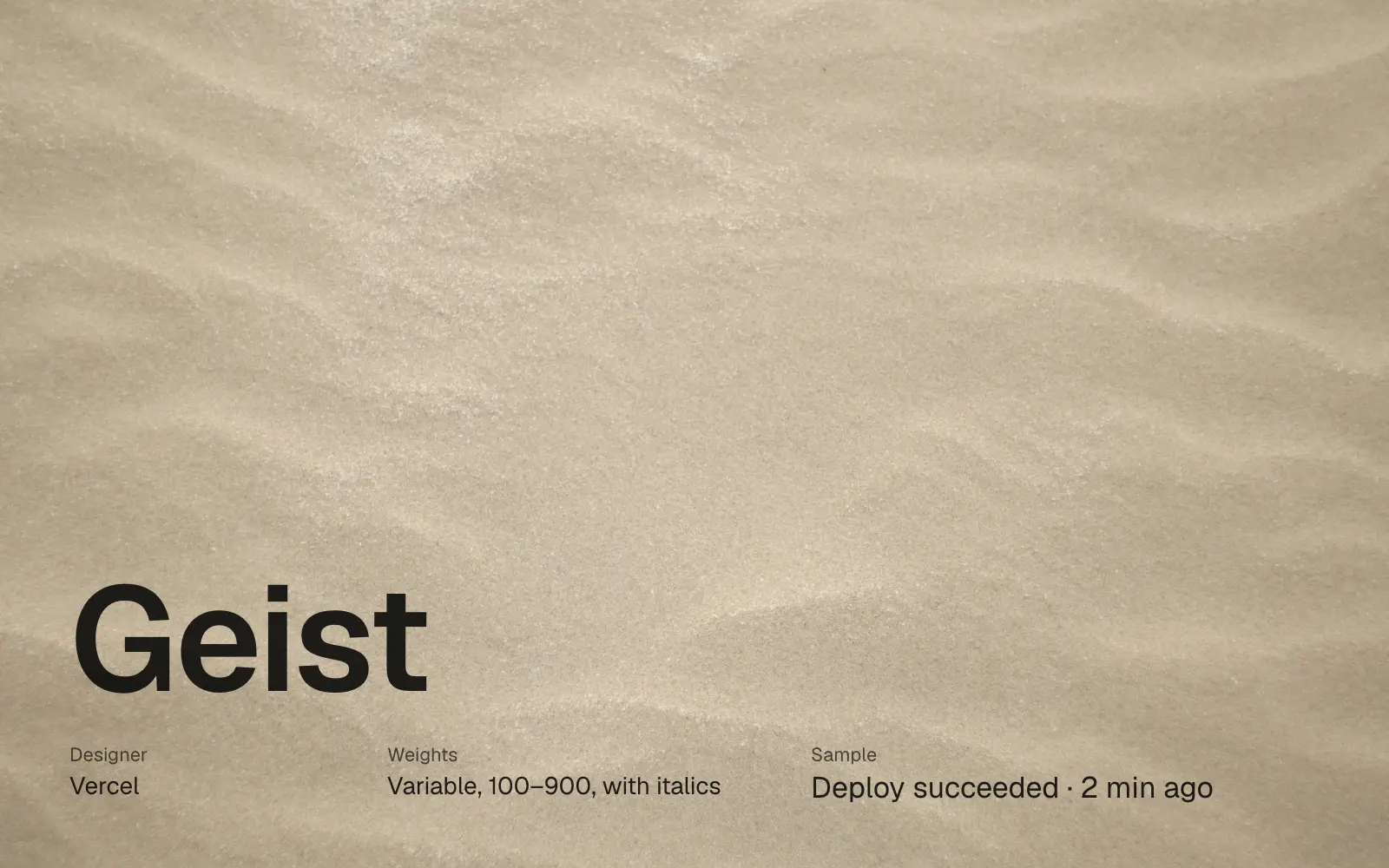
By Vercel. Clean and even, made for product interfaces, settings screens and dashboards. It comes with a matching mono for code and numbers.
2. Noto Sans
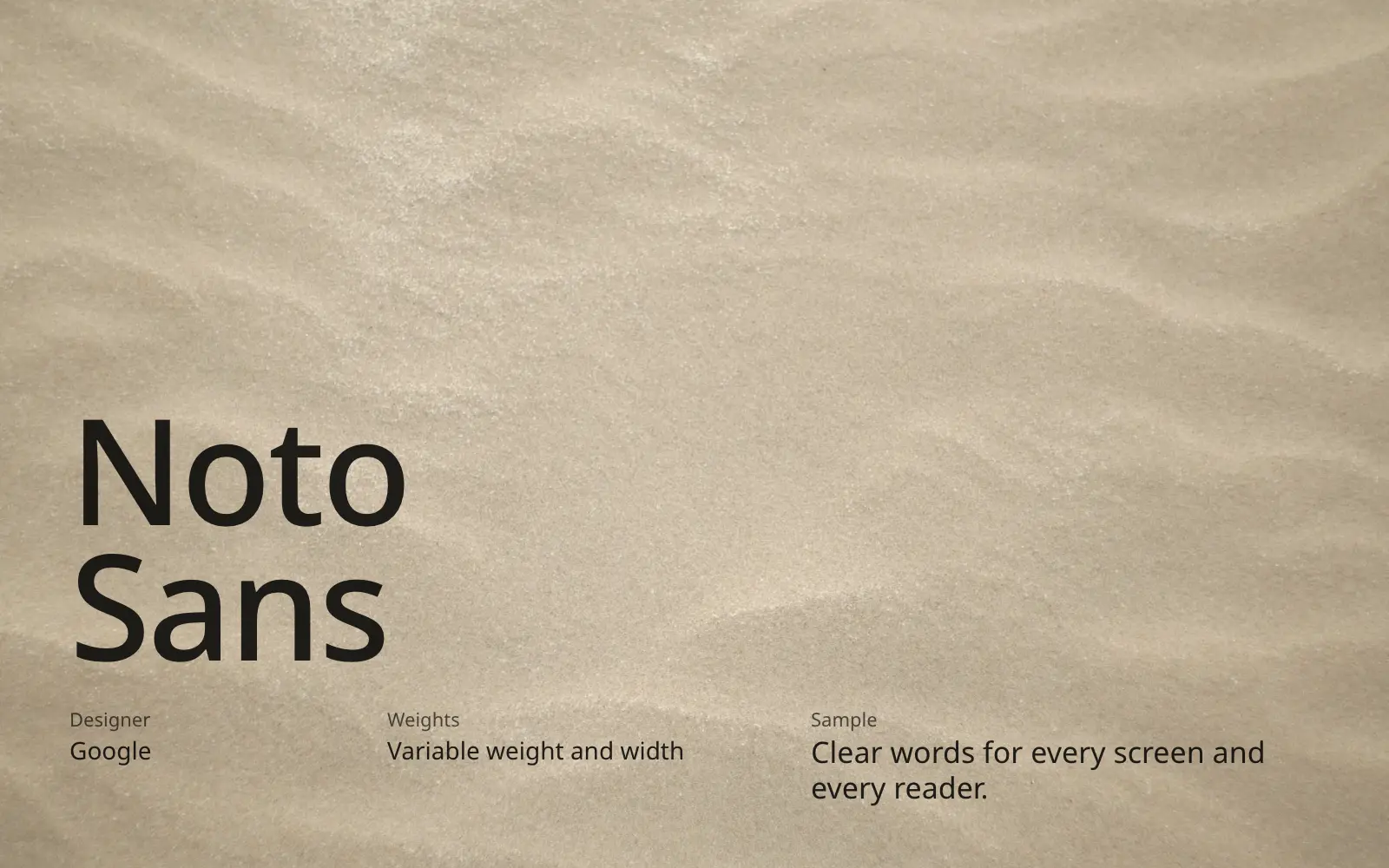
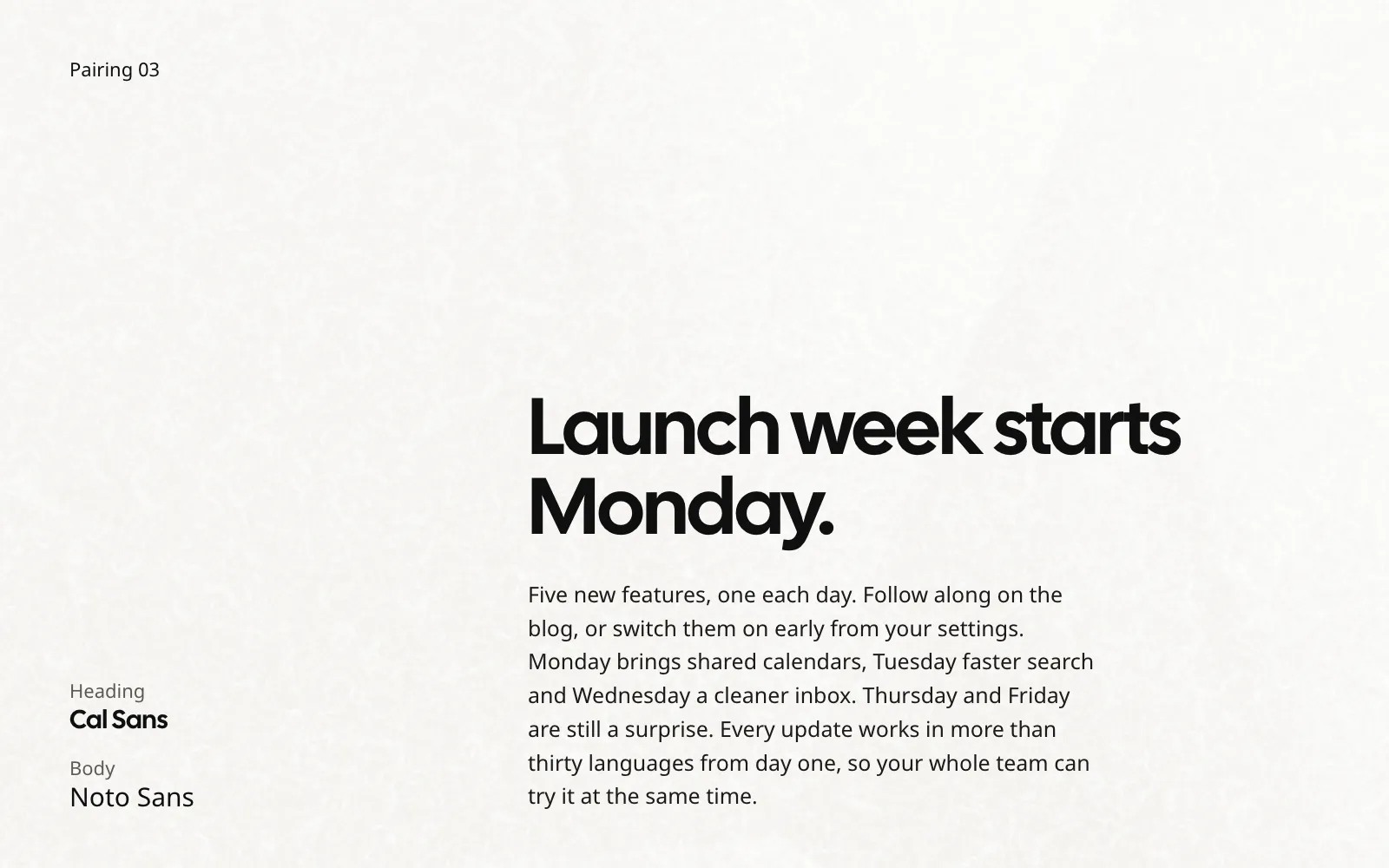
Google’s Noto family covers almost every writing system. Plain on purpose, and the safe choice when your product ships in many languages.
3. Manrope
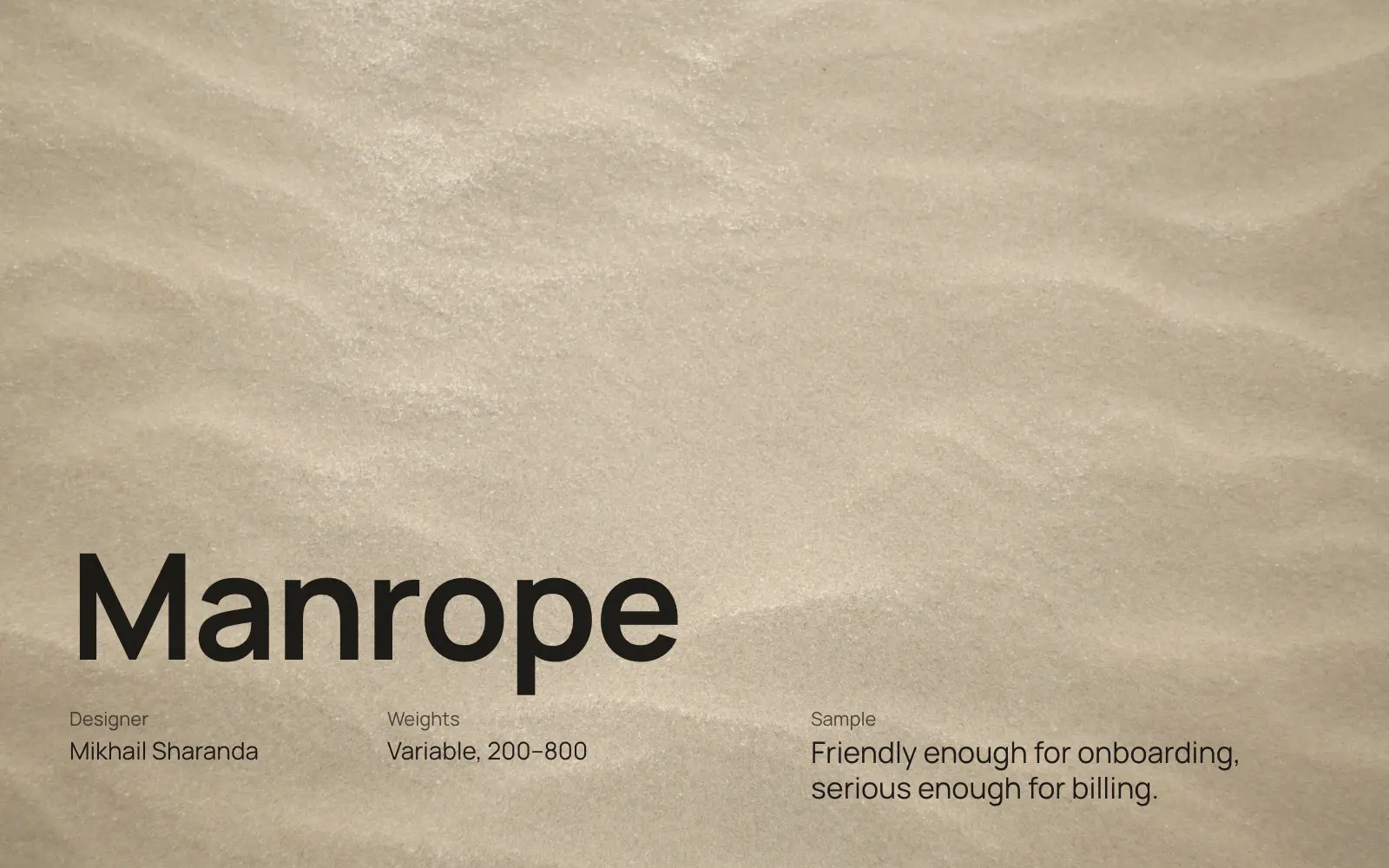
Rounded and geometric, friendly without looking childish. It works across a whole product, from marketing page to billing screen.
4. Cal Sans
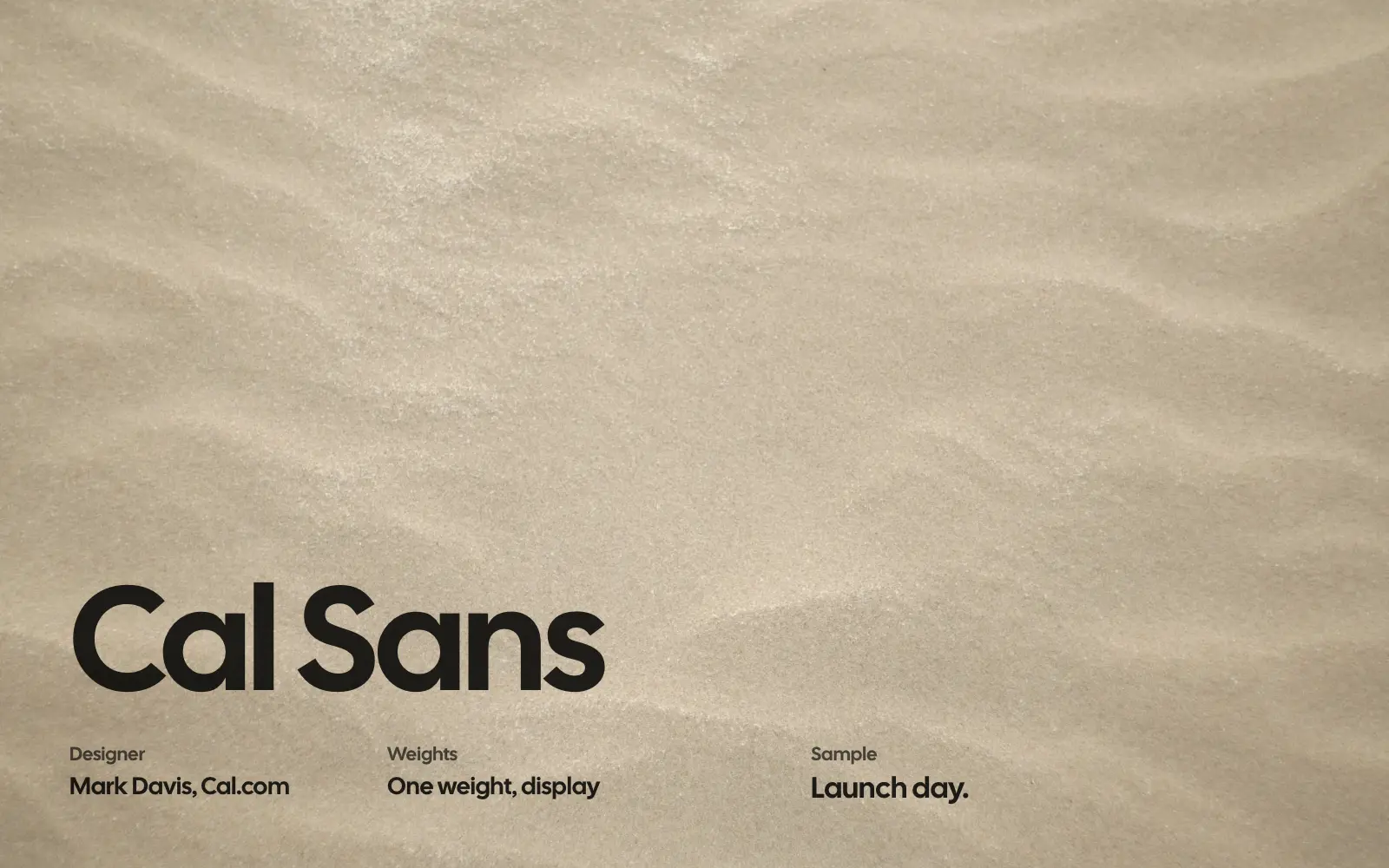
Made for Cal.com’s brand: one heavy, tightly spaced weight for headlines and hero sections. Pair it with a quieter font for body text.
5. Space Grotesk
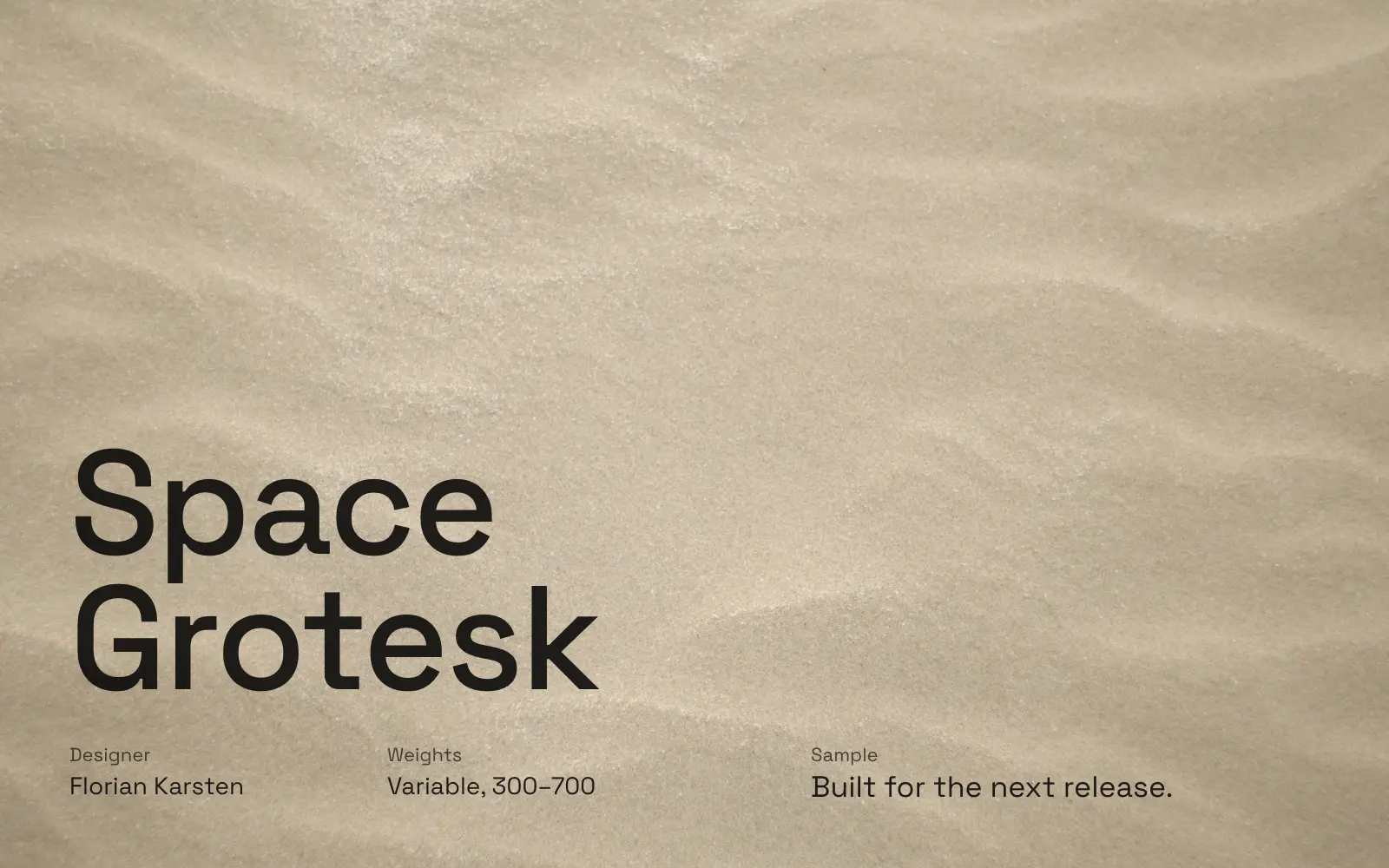
Based on the monospace Space Mono, and it shows. Technical and slightly quirky, good for developer tools and AI products.
5 serif fonts
1. Libre Baskerville
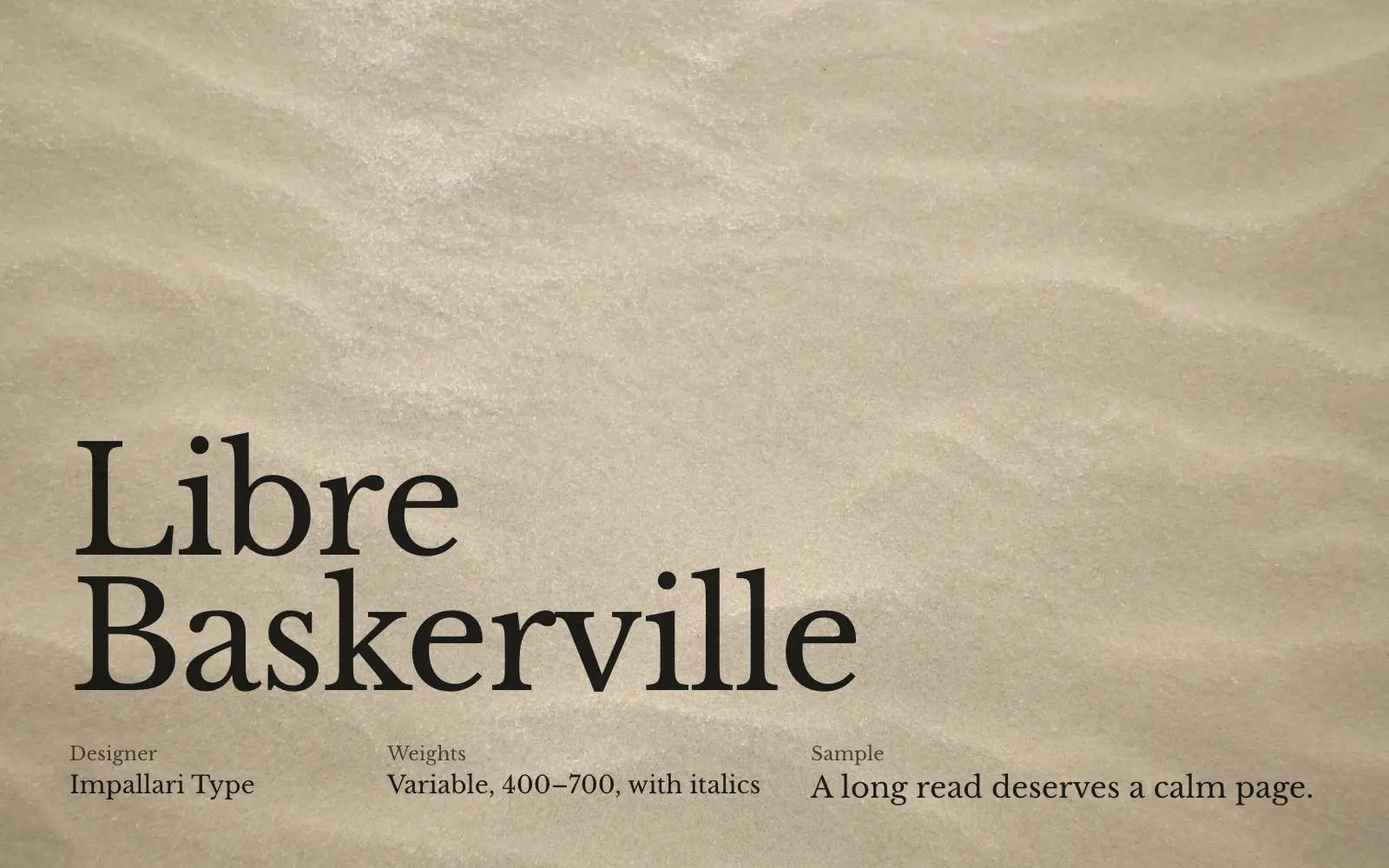
A classic Baskerville redrawn for screens, with taller lowercase letters. Bookish and trustworthy, good for long articles and reports.
2. Crimson Text
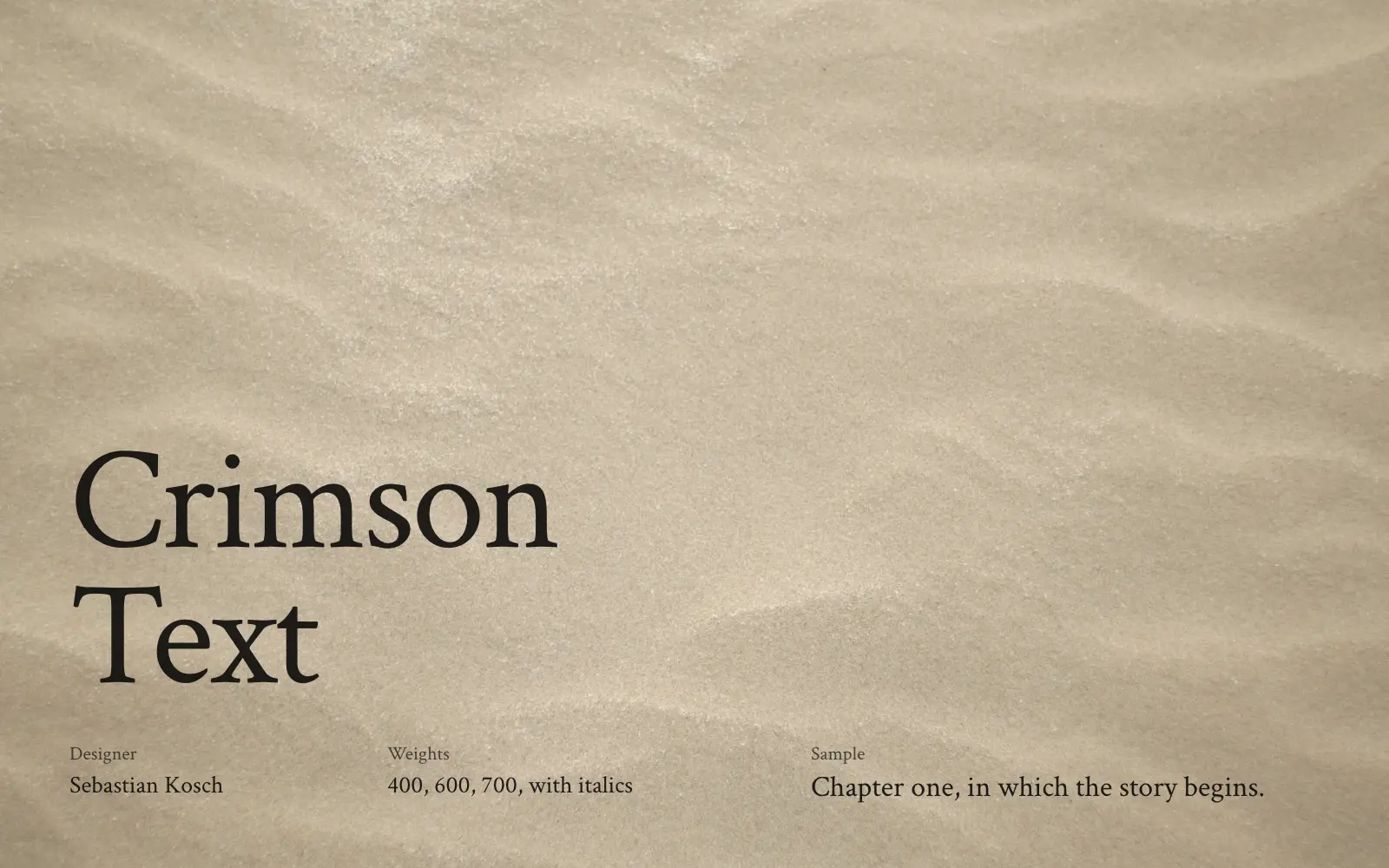
Made for books, inspired by Garamond. Literary and calm, good for blogs and essays. Set it a little bigger than a sans serif.
3. Lora
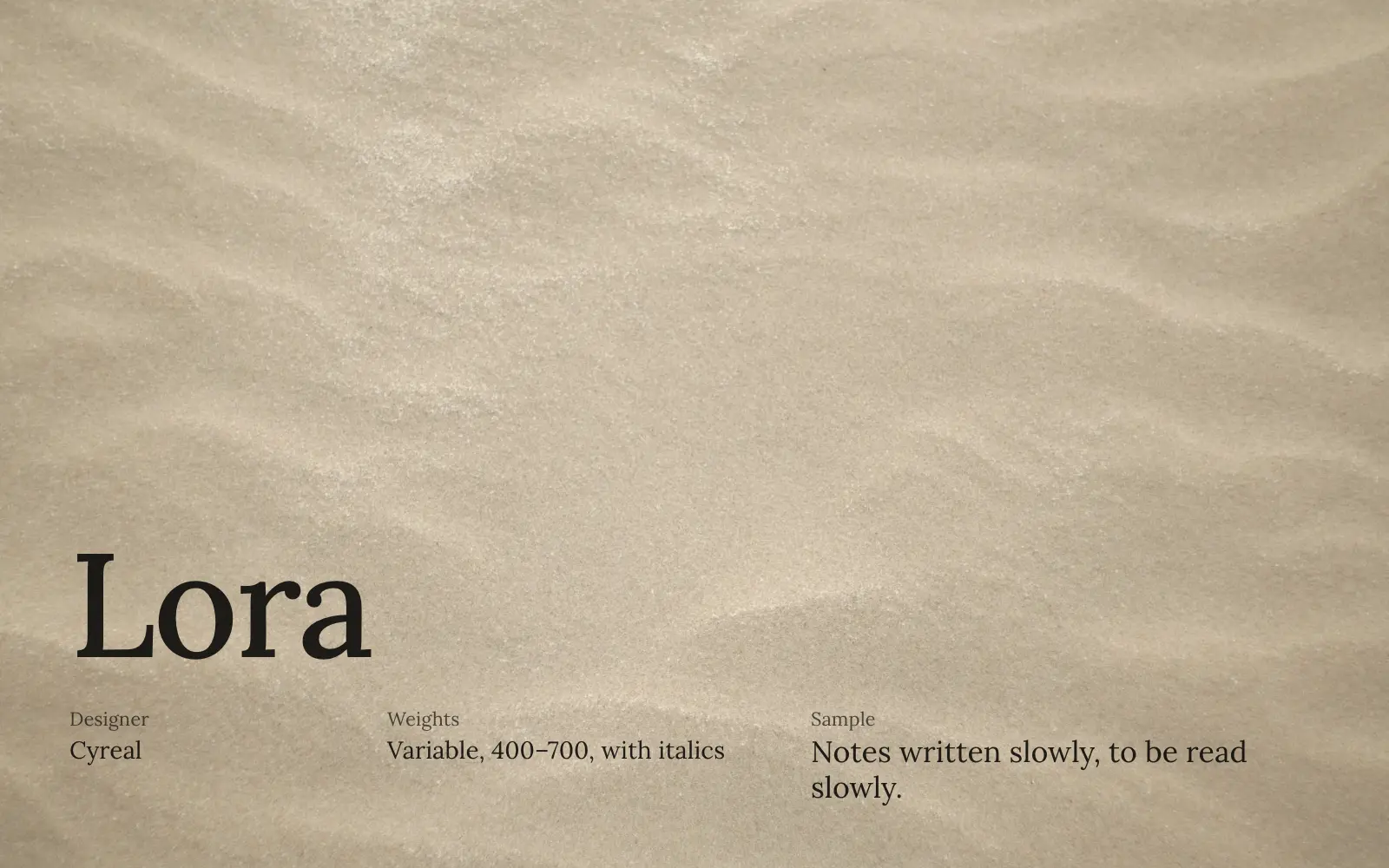
Curves that come from calligraphy give it a gentle, handwritten warmth. Better for essays and stories than for product interfaces.
4. Newsreader
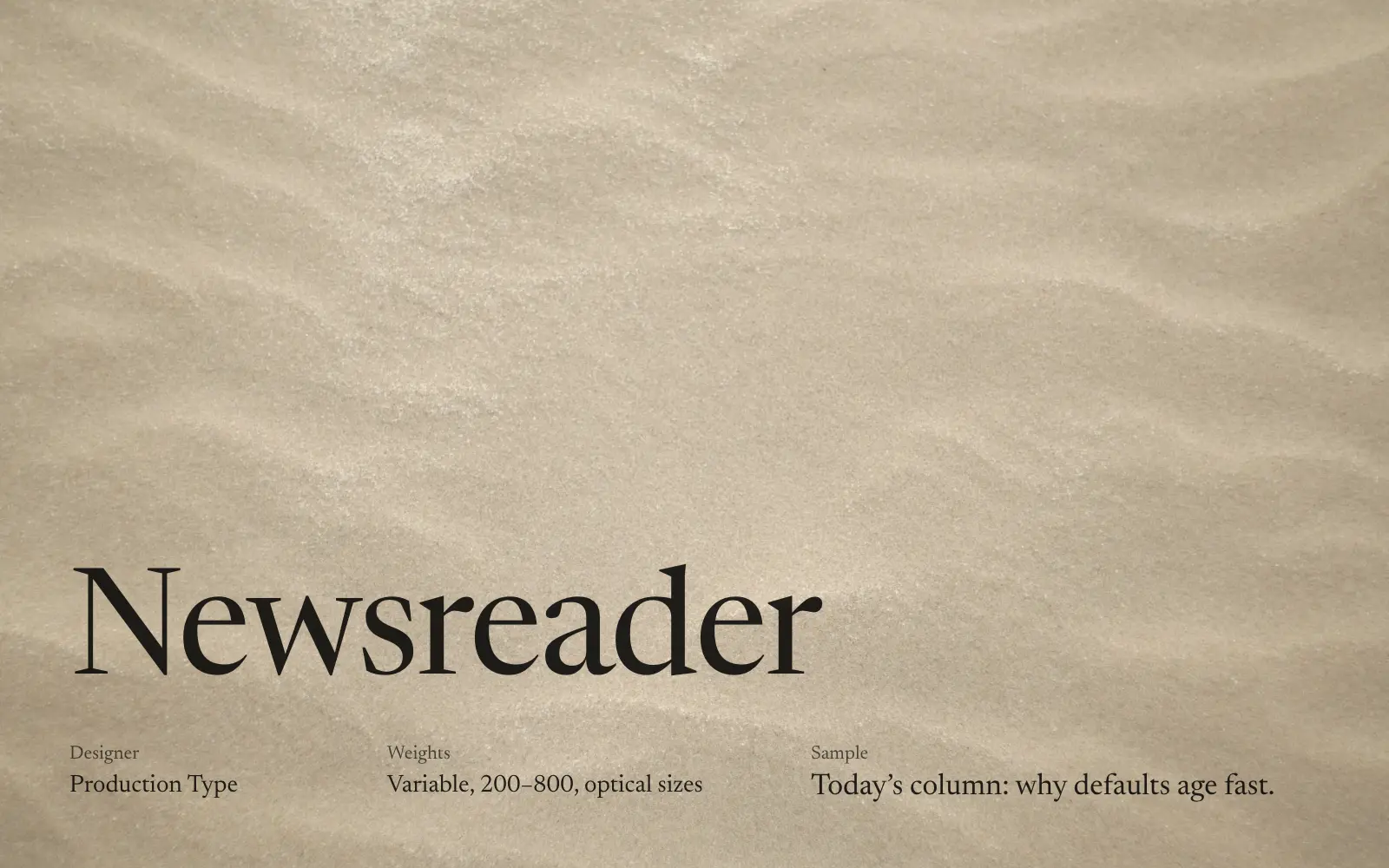
Designed for reading news on screens, with optical sizes that sharpen headlines and steady small text. Good for editorial pages and newsletters.
5. Source Serif 4
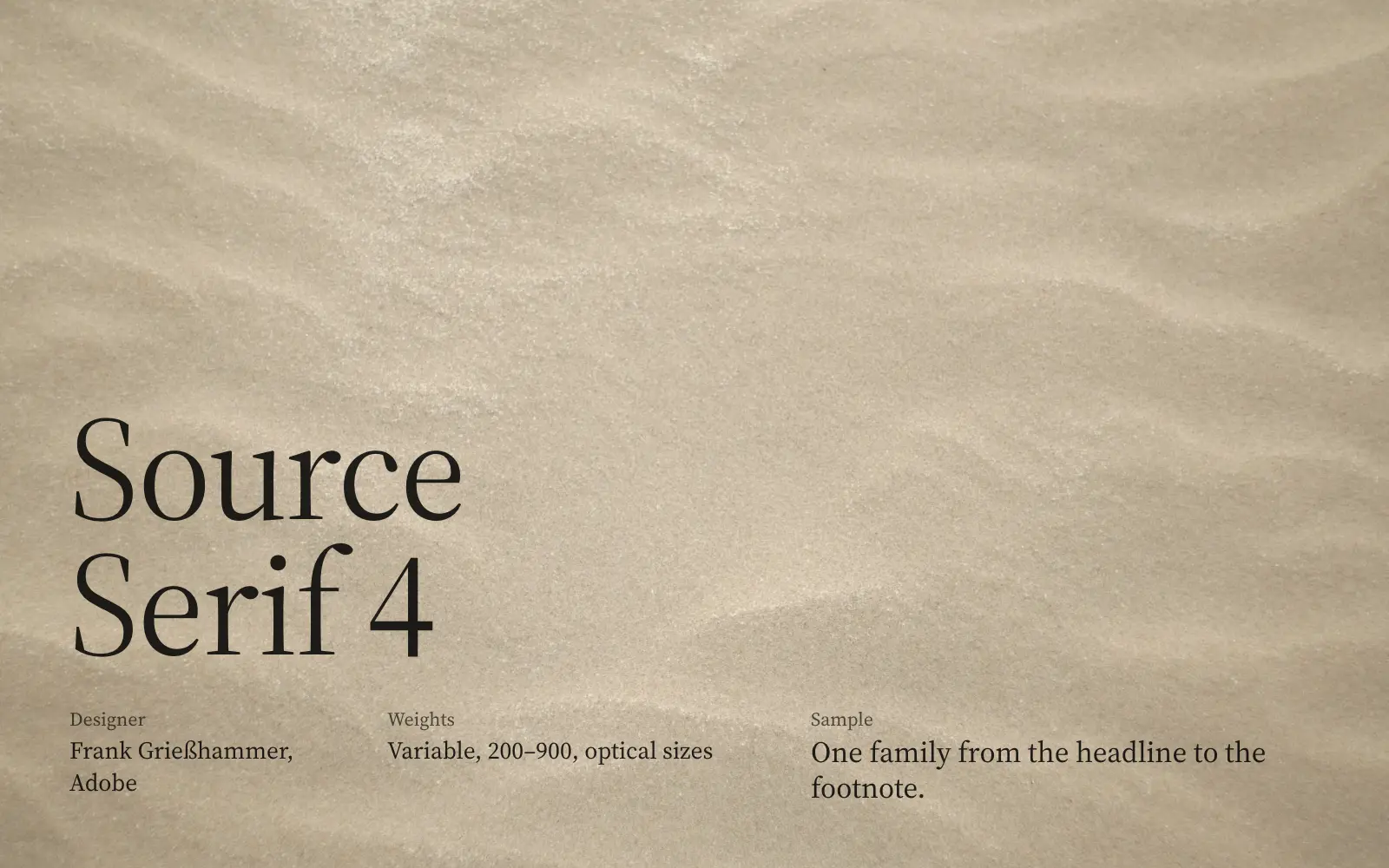
Adobe’s steady, neutral serif, with optical sizes. The safest pick if you want one family from headline down to footnote.
Three pairings to start from
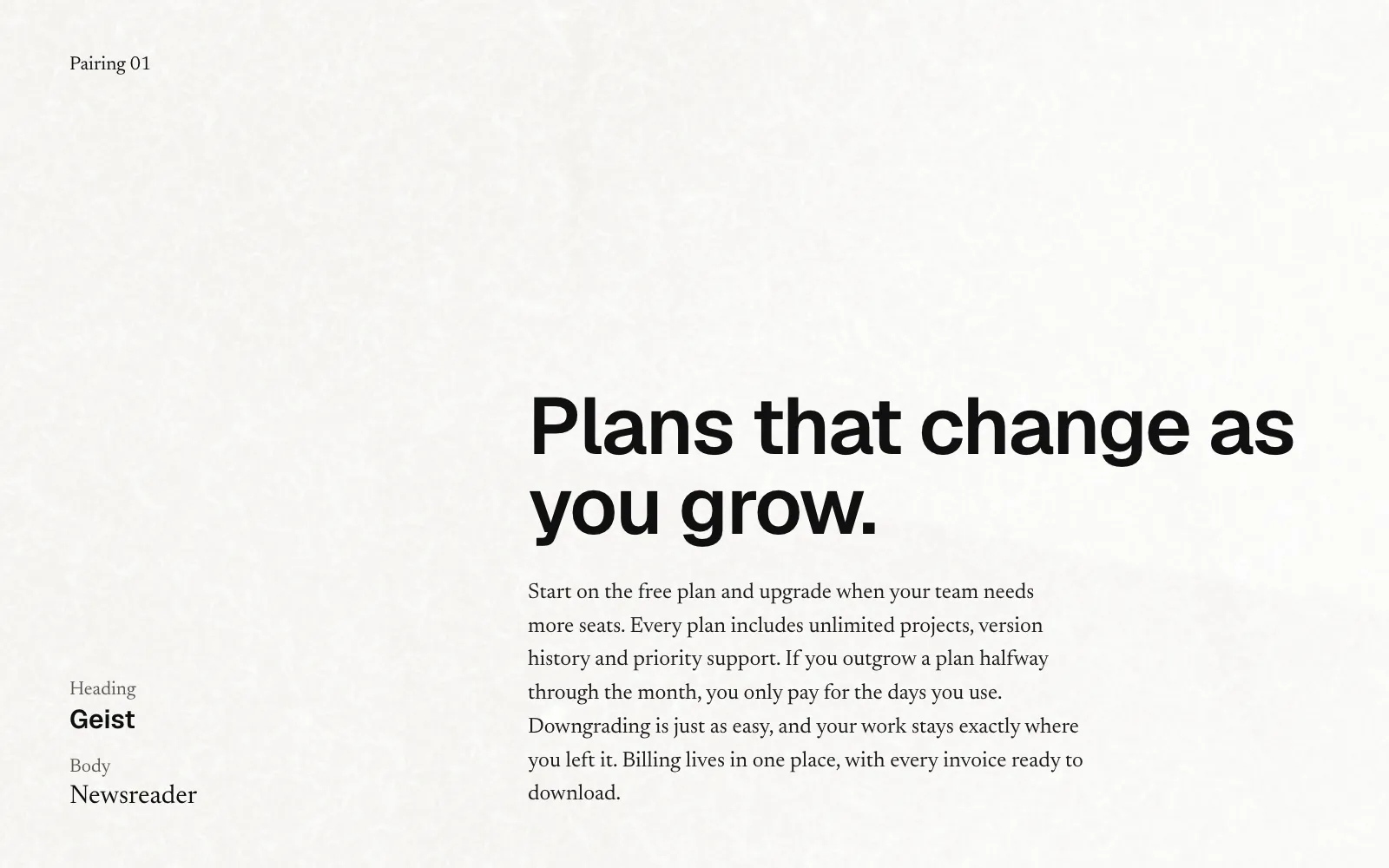
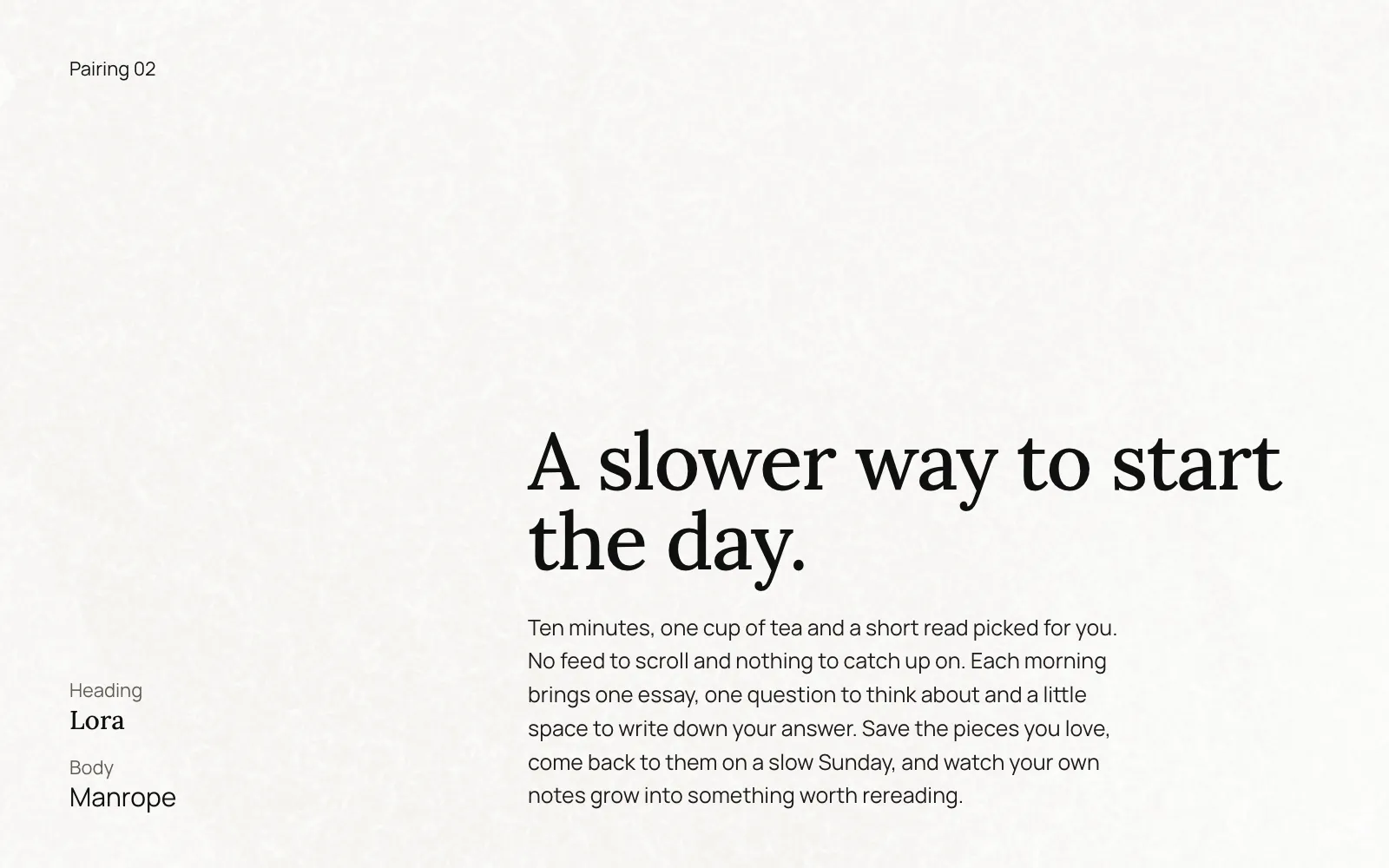
What this site uses
This site uses three fonts, all open source.
- Zen Old Mincho for headings. It’s a Japanese Mincho typeface, and its Latin letters have a sharp, brush-like contrast you don’t see in the usual web serifs.
- Fixel by MacPaw for body text and labels. It’s a clear, modern sans that stays readable at small sizes.
- Geist Mono only in Agent mode, the plain-text view for AI readers.